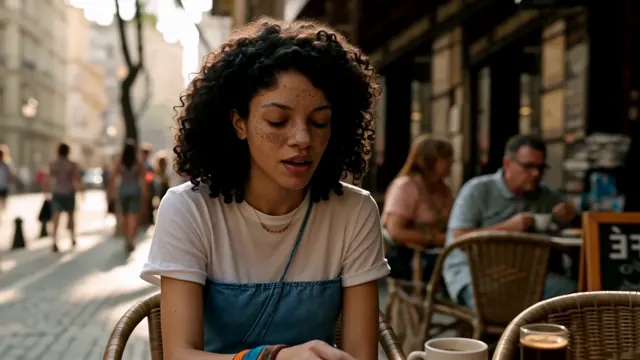
Spoken UGC & creator ads
Deliver natural direct-to-camera product reviews and hooks with expressive lip-sync.
Render crisp 2K picture, expressive lip-synced speech, physical foley effects and spatial stereo ambience together in a single pass — zero post-dubbing needed.
Unlike silent models that bolt generic sound effects onto finished footage afterwards, this AI video generator with audio runs joint audiovisual synthesis inside MiniMax H3. Spoken dialogue matches mouth movement syllable by syllable, while footsteps, rain, fabric rustle, room tone and musical cues land on the exact visual frame.
Direct both camera and sound design in one prompt.
Set the subject, setting and camera movement, or upload a first-frame product or portrait photo.
Put spoken dialogue in quotes and describe acoustic details like warm cafe murmur, crisp footsteps or deep sub-bass.
Preview with audio right in the browser and download a ready-to-publish MP4 up to 2K.
Ready for feeds where sound-on retention wins.
Deliver natural direct-to-camera product reviews and hooks with expressive lip-sync.
Pair golden-hour camera choreography with clear vocals and acoustic atmosphere.
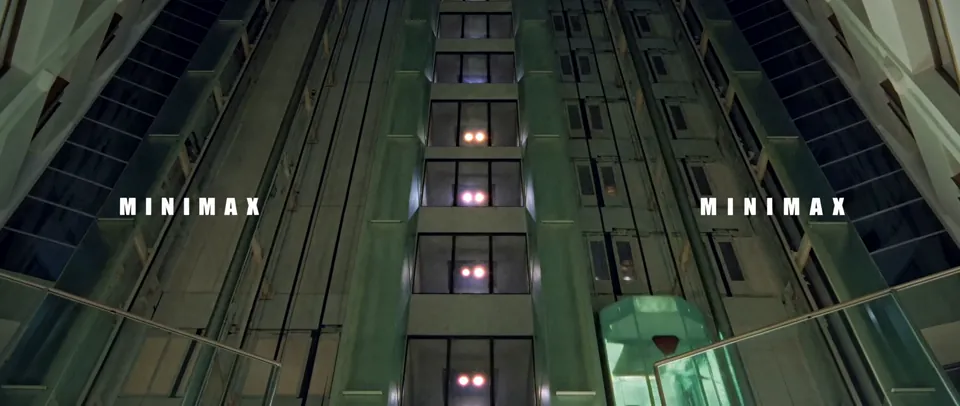
Fill wide 21:9 environments with reverberating machinery, wind and stereo depth.
No. Synced stereo sound is generated in the same pass at standard MiniMax H3 credit rates (4 to 10 credits per second).
Yes. Put the exact line inside quotation marks in your prompt and MiniMax H3 generates matching speech and lip motion.
Yes. Switch the composer to Omni Reference and upload up to 3 MP3 or WAV clips (2–15s each).
Yes. Paid credit pack and subscription renders include commercial usage rights under our Terms of Service.