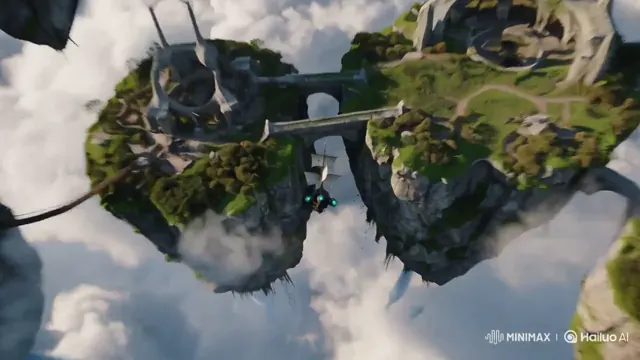
Narrative & thriller pre-viz
Test multi-beat action blocking, lighting mood and pacing before committing to production.
Describe your subject, camera travel, lighting mood and sound cues in plain English to generate 4–30 second clips up to native 2K right in your browser.
MiniMax H3 text to video follows written shot lists in exact chronological order — wide establishing frames, smooth lens push-ins, legible signage, natural physics and spoken lines — across 21:9 cinema, 16:9 widescreen, 4:3, 1:1, 3:4 and 9:16 vertical formats without installing desktop editing software or managing separate audio tracks.
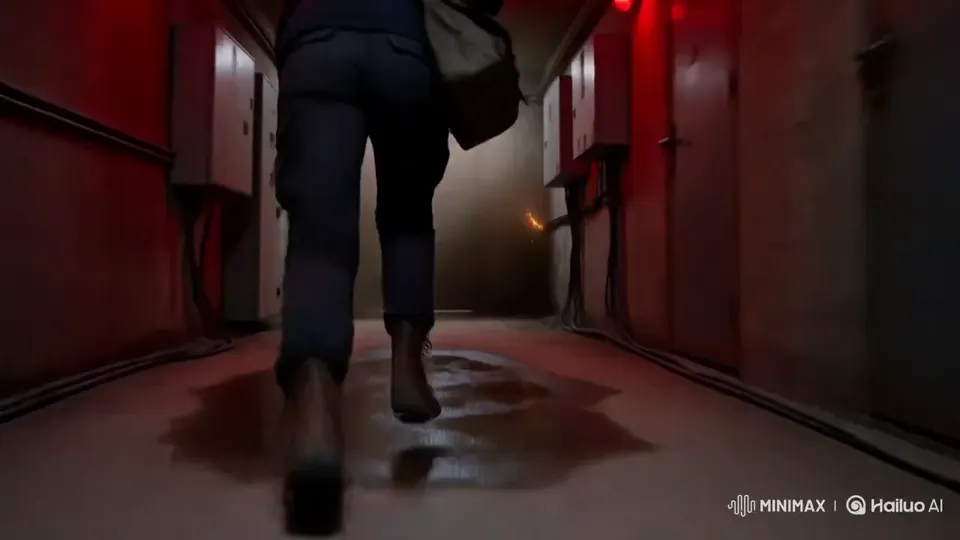
Three steps from shot description to a sound-ready MP4.
State who or what is in frame, how it moves, and the lens or camera travel such as dolly-in, orbit or handheld tracking.
Put spoken lines or poster lettering inside quotation marks and name ambient sounds like rain, street chatter or synth bass.
Draft fast at 480p (4 credits/s) or render crisp 2K masters (10 credits/s) from 4 to 30 seconds.
No source footage or studio shoot needed.
Test multi-beat action blocking, lighting mood and pacing before committing to production.
Render stylized opening titles and animated graphic layouts with crisp typography.
Spin up TikTok, Reels and Shorts ad hooks with spoken lines and room tone already mixed.
Any whole duration from 4 to 30 seconds (up to 15 seconds at native 2K). Clips over 15 seconds are billed at 2× per second.
Six ratios: 16:9 widescreen, 9:16 vertical, 1:1 square, 4:3, 3:4 and 21:9 cinema.
Yes. Put exact headlines, signs or packaging words in quotes and keep camera motion steady for crisp lettering.
Failed renders automatically refund 100% of their credits back to your balance.