All MiniMax H3 Video Tools
Every tool runs on one account and one credit balance — start from text, a product photo, multimodal references or a one-click template.
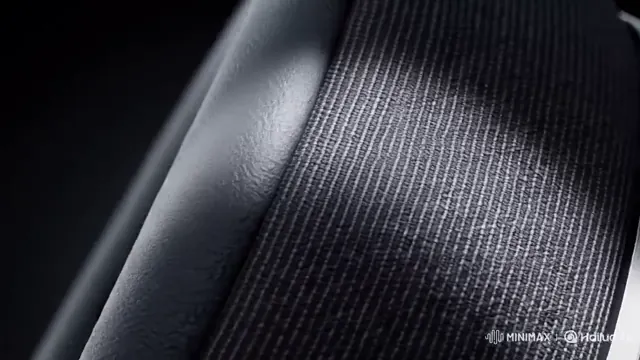 1-Click Recipes
Templates
Pick a finished camera and sound recipe, upload 1 product photo or swap two fields, and render in 2K.
 6 Aspect Ratios
Text to Video
Write your subject, camera move and audio cues to generate 4–30 second clips up to 2K.
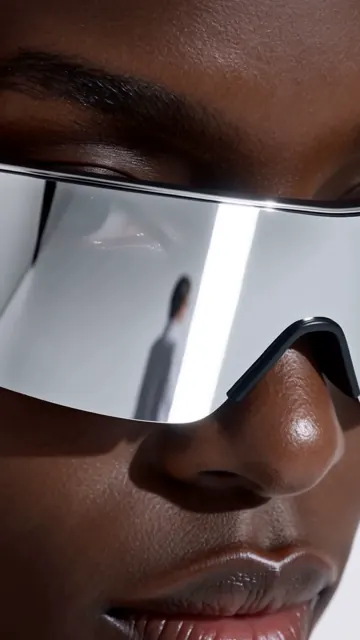 First / Last Frame
Image to Video
Lock your exact product or portrait as the opening frame and animate smooth motion toward an optional end frame.
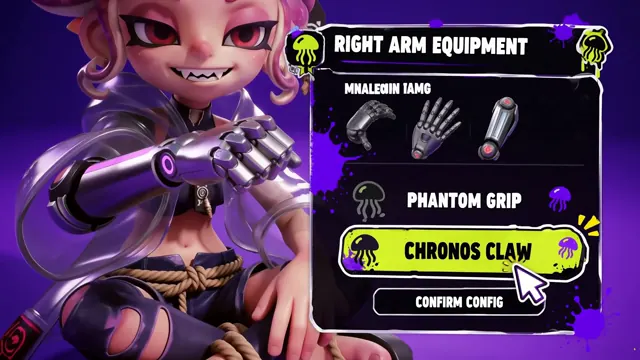 Omni Reference
Reference to Video
Combine up to 9 images, 3 motion videos and 3 audio clips while keeping character and product identity consistent.
 Native Stereo
Video with Audio
Generate spoken dialogue, foley effects and stereo room ambience together with the picture in a single pass.
Questions about H3Gen tools
Yes. Every tool draws from one credit balance on your account at the same per-second rate (4 to 10 credits/s from 480p to 2K).
Start with Video Templates for one-click 3D product showcases and UGC reviews, or Image to Video when your exact packshot must open the clip.
Use Image to Video when one photo is the exact opening frame. Use Reference to Video when combining multiple character/product angles, motion clips and audio cues.
Yes. Native stereo audio — dialogue, foley and ambience — is rendered automatically across every tool on H3Gen.