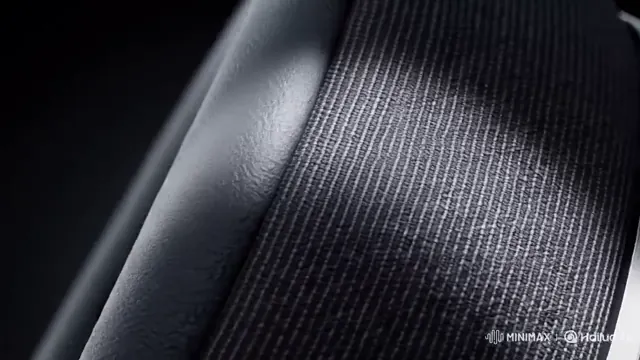
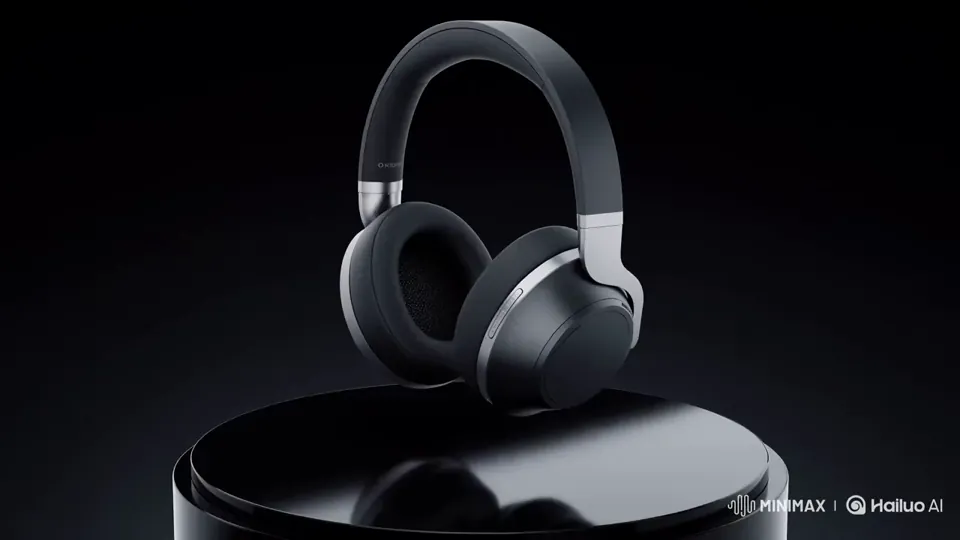
Product assembly & packshot reveals
Start on raw materials or an exploded view and land on a studio-lit hero product shot with crisp mechanical foley.
Upload a starting image and a closing target frame. Our first and last frame AI video workflow synthesizes physically coherent camera motion, lighting shifts and native stereo audio between both endpoints.
Standard image animation only anchors frame zero, leaving the ending composition to chance. With first and last frame AI video conditioning on the H3 FL2VA keyframe path, you lock both the initial posture and the exact final hero packshot—ideal for exploded product reassembly, day-to-night architectural transitions, outfit changes and infinite social loops.
Three steps from two still frames to a finished 2K clip with synchronized sound.
Select an opening image for the First Frame card and a destination shot for the Last Frame card. Matching aspect ratios produce the cleanest geometric continuity.
Write what happens between the two keyframes—camera orbit, assembly motion, lighting shift, spoken dialogue or tactile foley cues.
Choose 4 to 30 seconds (up to 15 seconds in native 2K) and generate a single-pass MP4 where visual arrival and audio crescendo land together.
Where dual-keyframe anchoring outperforms single-image animation.
Start on raw materials or an exploded view and land on a studio-lit hero product shot with crisp mechanical foley.
Bridge an empty tabletop or daytime room to a finished craft sculpture or neon-lit interior in one continuous shot.
Upload the same frame as both start and end to craft hypnotizing infinite loops for TikTok, Reels and storefront banners.
Single-image mode only constrains frame zero, whereas dual-keyframe conditioning locks both the opening shot and closing target frame so your reveal lands on the exact composition you designed.
Matching aspect ratios (such as two 16:9 or two 9:16 images) are strongly recommended. The studio accepts PNG, JPG and WebP files up to 20 MB each.
Keyframe mode and multi-asset omni-reference mode are separate conditioning paths. Use First/Last Frame to lock exact visual endpoints, or switch to Omni Reference to mix up to 9 images, 3 videos and 3 audio clips.
Yes. Ambient room tone, mechanical foley, music swells and spoken lines are synthesized in the same pass and timed to the visual arrival.
No. Both the first frame and last frame are included in the standard per-second resolution rate.